
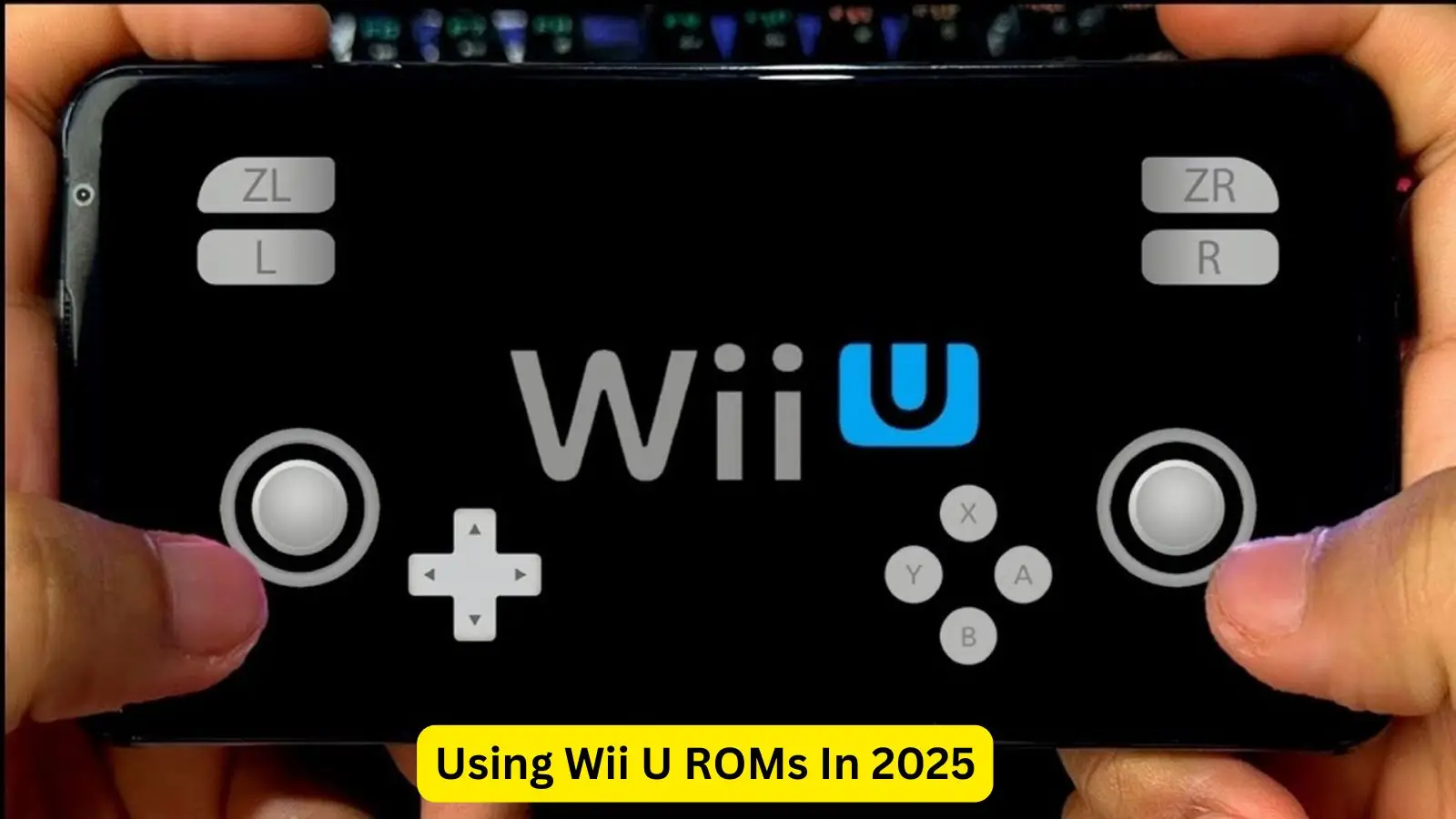
Wii U ROMs are digital copies of original Wii U game files. These ROMs allow players to enjoy their favorite titles without relying on physical discs.
They are commonly used with emulators on PCs and other devices, whether you’re exploring game backups or running titles across different platforms, understanding how Wii U ROMs function is crucial.
This guide will cover what Wii U ROMs are and how to use them effectively today. We’ll explain where to find Wii U ROMs, how to use them on real hardware, and how to enjoy them through emulators.
What Exactly Are Wii U ROMs?
Wii U ROMs are digital copies of game files extracted from original Wii U discs. These files typically come in formats such as .wux, .wud, or .rpx, and are most commonly played on computers using a Wii U emulator like Cemu.
Unlike standard digital downloads, these ROMs are not officially distributed by Nintendo. They are mainly used for game backups or emulation purposes, allowing players to enjoy their classic Wii U titles on newer devices.
Many gamers also use Wii U ROMs to test games before purchasing the physical version. However, it’s important to ensure compliance with copyright laws when using or downloading these files.
Why Use Wii U ROMs in 2025?
Wii U ROMs remain popular because many classic titles are unavailable on modern consoles. Through emulation, players can enjoy enhanced features such as higher resolution, faster loading times, and save states, allowing for a smoother and more customizable gaming experience.
Since the Wii U console is no longer in production, many users now depend on ROMs to access games that are no longer sold in stores. As a result, the demand for Wii U ROMs continues to grow even in 2025.
Additionally, digital preservation plays a major role—original game discs can become scratched or unreadable over time, and ROMs provide a reliable way to store, protect, and play these games for the long term.
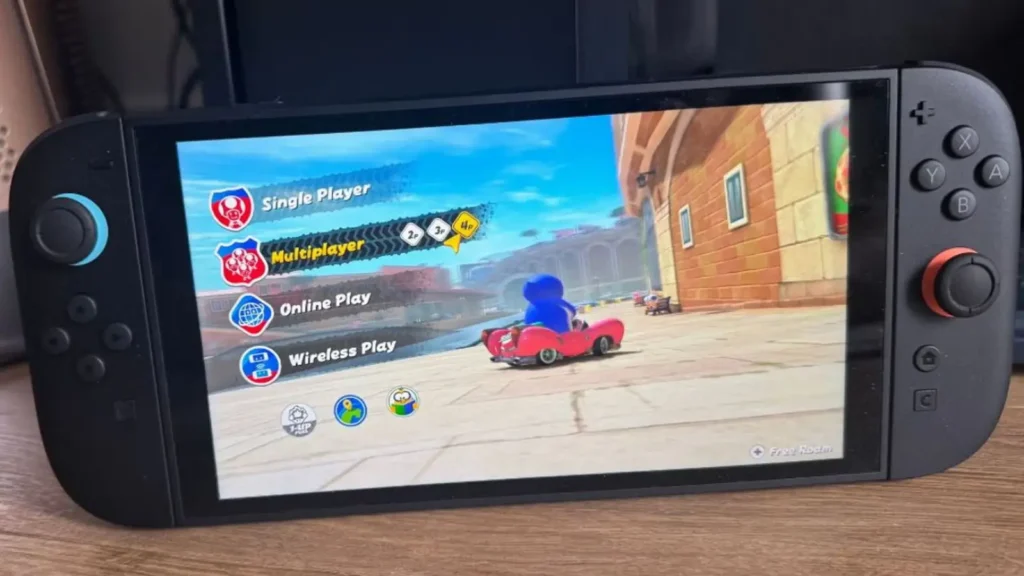
Trusted Sources to Access Wii Game Files
Finding Wii ROMs requires care and responsibility, as not all sources are safe or legal. Some websites may host malicious files, while others might share copyrighted content without authorization.
It’s important to verify the legitimacy of each source before downloading to avoid potential security risks or legal issues.
Below is a table highlighting commonly used and safer sources for accessing Wii game files for backup or legitimate use:
| Platform Type | Description |
| Homebrew Dumps | Backups from personal discs using Homebrew. |
| Archive Projects | Digital preservation groups sharing files. |
| Private Communities | Invite-only groups sharing personal backups. |
If you already own the original Wii disc, you can legally back up or dump the game using Wii Homebrew tools. However, sharing or downloading games that you don’t personally own is considered illegal in most countries.
Launching Wii ROMs on the Original Console
Running Wii ROMs on the original Wii console involves several key steps and requires system modification through Homebrew. After that, a custom loader such as USB Loader GX or WiiFlow is used to access and play the ROMs.
Here’s how to set it up safely:
- Install Homebrew: Use LetterBomb or another compatible method to install the Homebrew Channel on your Wii.
- Set Up a USB Loader: Download and configure USB Loader GX or WiiFlow for managing and launching your games.
- Format a USB Drive: Format your USB storage device to FAT32, then place your Wii ROMs inside a dedicated folder.
- Plug In and Load: Insert the USB drive into your Wii, open your chosen loader, and select the game to play.
Important: Only use ROMs for games that you legally own. Downloading or distributing unauthorized game files is illegal and may lead to legal consequences.
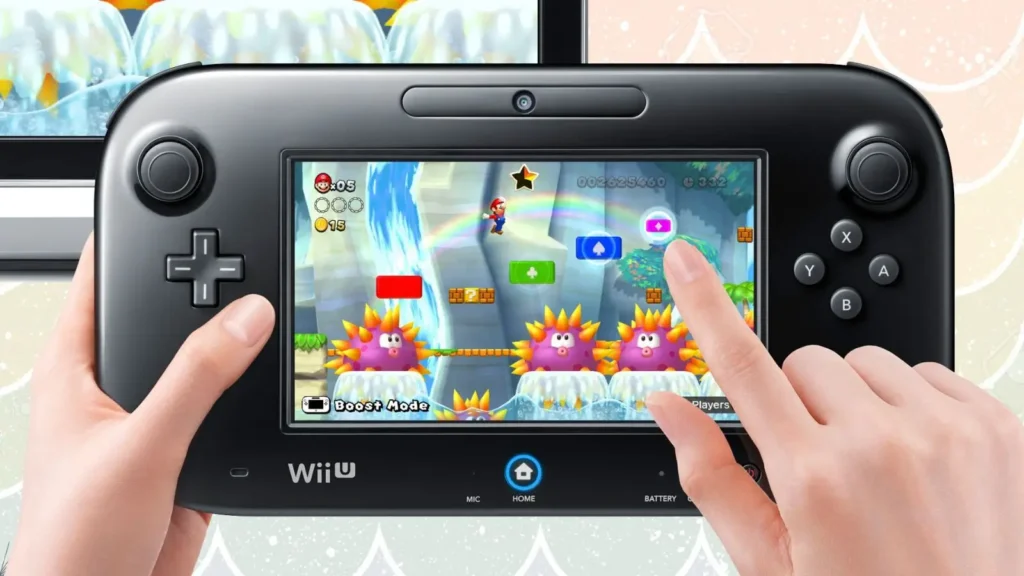
Game Files on a Modified Wii
Wii consoles allow users to run ROMs directly from SD cards or USB drives. After installing Homebrew, you can use custom applications to read and launch ROM files without needing the original disc. This method is especially useful for playing game backups or applying fan-made patches and mods.
Steps to follow:
- Insert ROMs: Place your Wii game files into the “games” folder on your SD card or USB drive.
- Launch with a Loader: Use apps like WiiFlow or USB Loader GX to browse and start your games.
- Choose a Controller: Play using a GameCube controller, Classic Controller, or the standard Wii Remote.
Using ROMs this way is popular among players who want to preserve their original discs while still being able to enjoy their favorite games conveniently.
Emulating Wii Games on a PC or Laptop
Wii emulator games are digital versions of Wii titles that run on computers through emulator software. Popular options include Dolphin (compatible with both Wii and GameCube games) and Cemu (for Wii U titles).
Comparison of Wii Emulators
| Emulator | Supported Systems | Extra Features |
| Dolphin | Wii/GameCube | HD resolution, save states |
| Cemu | Wii U | Texture mods, faster loading |
To get started:
- Download the emulator: Choose a reliable program like Dolphin or Cemu, depending on the console you want to emulate.
- Configure settings: Adjust your graphics, audio, and controller preferences for the best performance.
- Load your ROMs: Add your Wii or Wii U ROM files to the emulator’s library.
- Start playing: Launch your favorite titles and enjoy smooth gameplay.
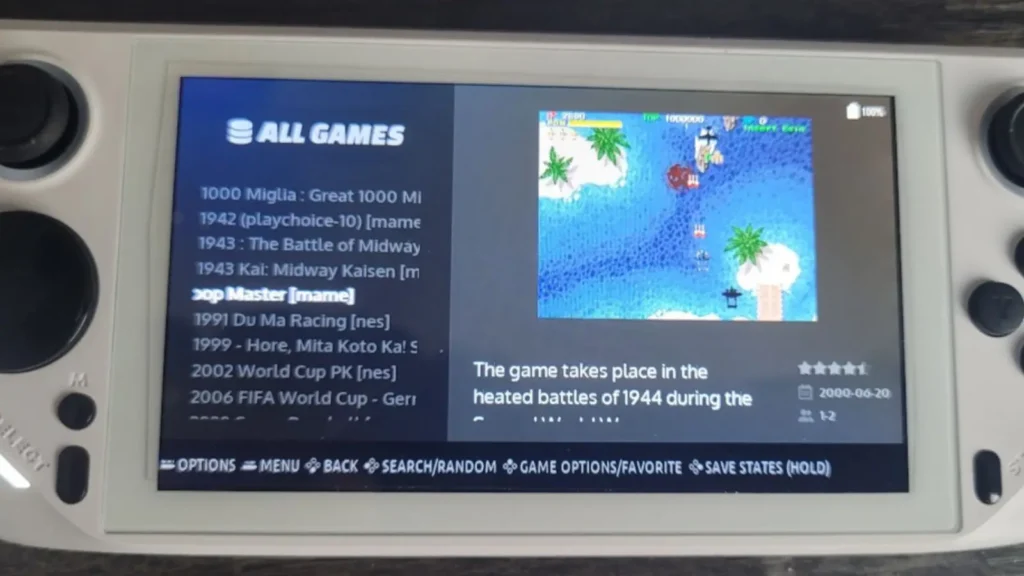
Most emulators support both keyboard and gamepad inputs, allowing full customization. You can also increase resolution, apply visual mods, and save your progress at any point.
In 2025, Wii U ROMs continue to offer a powerful way to experience classic Nintendo games. Whether you’re using your original Wii, emulating on PC, or preserving your old discs, these digital files help keep retro gaming alive. Remember to respect copyright laws while enjoying your favorite titles.
