
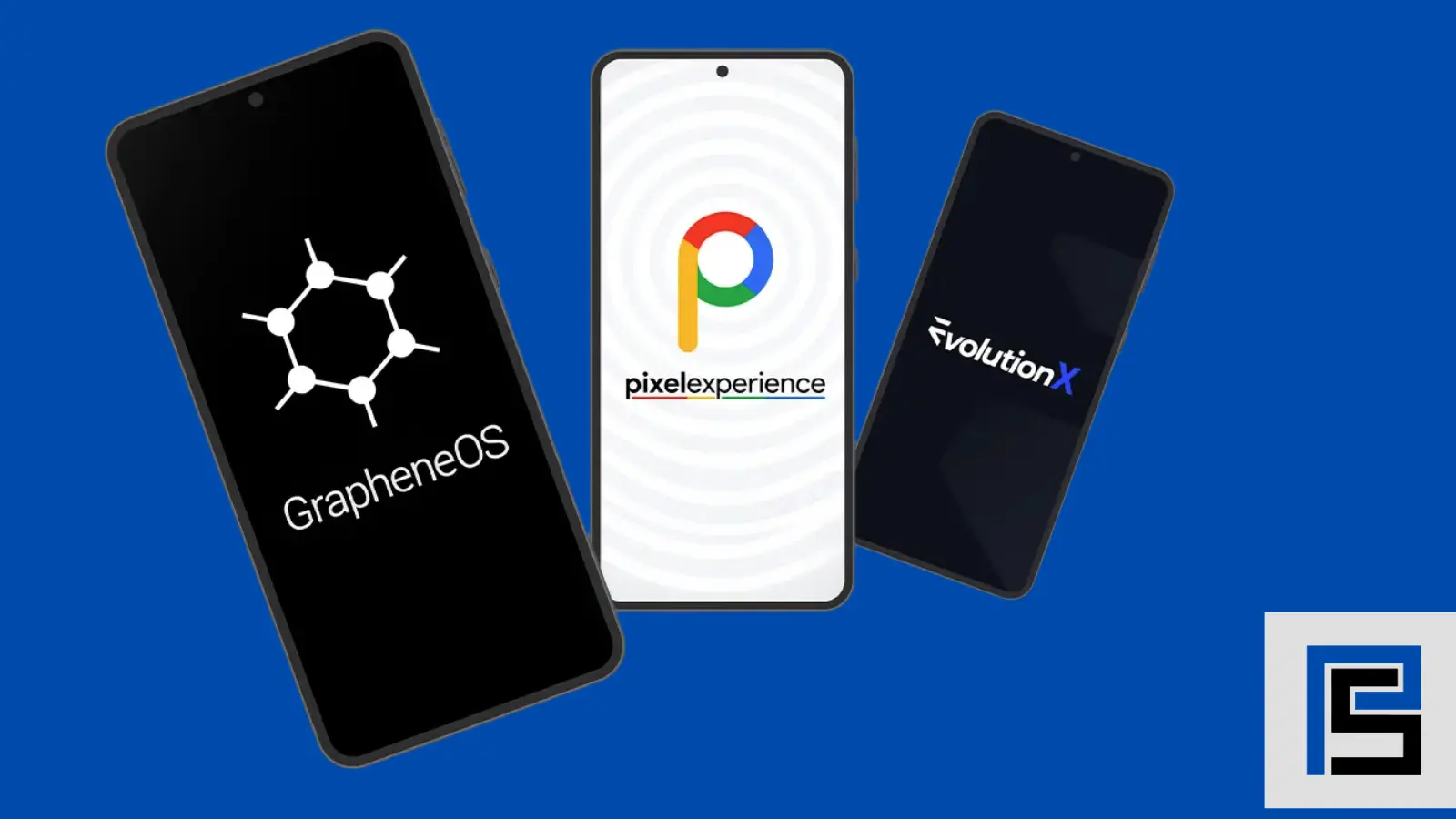
Android’s greatest advantage lies in its customization capabilities, allowing users to modify both functionality and aesthetics. Unlike Apple’s restrictive ecosystem, Android empowers users to replace stock firmware with personalized alternatives.
These custom firmware versions, commonly called ROMs for Android, enhance functionality, boost performance, and breathe new life into aging devices.
What Are ROMs for Android?
Experienced Android users across different manufacturers have likely noticed unique software experiences between brands. This variation occurs because companies develop proprietary interfaces using Android’s open-source foundation. Independent developers employ identical methods, creating the custom ROM ecosystem.
ROMs for Android emerge from developers passionate about enhancing Android capabilities or introducing innovative features. These creators range from solo programmers to collaborative teams and nonprofit organizations.
Primary objectives include delivering updates to abandoned devices and providing users enhanced control over device appearance and functionality.
Pixel Lookalike ROM: Pixel Experience
| Pros | Cons |
| Minimalist and elegant interface | Limited official device support |
| Features authentic Pixel enhancements | Restricted customization options |
For users appreciating Google Pixel aesthetics, Pixel Experience delivers an excellent solution. This ROM replicates design elements and utilities found on Google’s premium Pixel lineup.
The firmware closely resembles stock Android while incorporating Pixel-exclusive functionalities. Users experience authentic Pixel sensations without purchasing expensive hardware.
The primary limitation involves restricted official device compatibility. However, community-developed unofficial builds frequently accommodate broader device ranges.
Fully Customizable ROM: Resurrection Remix
| Pros | Cons |
| Extensive interface modification capabilities | Overwhelming complexity for newcomers |
| Polished and contemporary design | Feature overload for casual users |
Resurrection Remix excels by enabling comprehensive interface personalization. Users seeking granular device control find this ROM particularly appealing.
The project originated from a developer with professional design expertise, evident in its execution. The interface showcases modern aesthetics, abundant options, and robust community backing with consistent updates.
This ROM supports numerous device models while maintaining stability despite extensive feature integration.
Well-Known and Trusted: LineageOS
| Pros | Cons |
| Extensive device compatibility | Slower feature implementation |
| Established reputation and reliability | Limited advanced customization |
LineageOS represents the most widely adopted ROMs for Android. Operating since Android’s inception, it previously existed as CyanogenMod.
Currently, LineageOS maintains its trustworthy reputation. It operates seamlessly across diverse devices with continuous maintenance. Numerous smaller ROM projects utilize it as their foundation.
While lacking extensive design modifications, its reliability and broad compatibility establish it among Android enthusiasts’ preferred choices.
If you are a full time gamer then must visit our different pages to explore more about Playstation related info and also get ps1 and ps2 bios.
Simple Yet Functional: OmniROM
| Pros | Cons |
| Streamlined and intuitive interface | Inconsistent support across manufacturers |
| Dependable and fluid operation | Potentially insufficient for power users |
OmniROM navigates between extensive customization and pure Android experiences. It provides users straightforward, accessible interfaces with practical features.
Designed for users preferring stability over complexity. While supporting select devices, major manufacturers like Samsung or LG may lack comprehensive support.
Nevertheless, supported devices enjoy clean, distraction-free Android experiences through OmniROM.
Unique Design and Fast Updates: BlissRoms
| Pros | Cons |
| Distinctive visual identity | Developing community presence |
| Rapid Android version adoption | Limited device availability |
| Enhanced performance and security |
BlissRoms stands as another compelling ROMs for Android option. This project functions like Linux-based Android operating systems.
It rapidly integrates latest Android releases while implementing distinctive styling, including custom iconography and innovative design language. BlissRoms emphasizes security enhancements and performance optimization.
Despite its recent emergence, the development team actively expands device support and creates comprehensive development tools.
Best Emulator Games for Android
Nostalgic gaming enthusiasts find emulator games for Android perfect for 2025 retro gaming experiences.
These applications enable playing titles originally designed for vintage systems including NES, SNES, PlayStation, or Game Boy. Success requires two components: functional emulator applications and compatible ROM files.
Emulators simulate original consoles, while ROMs contain actual game data. Most Android emulator applications support multiple console generations. Post-installation, games launch through simple interface interactions.
Popular emulator games for Android encompass Pokémon FireRed, Super Mario Bros., Legend of Zelda, Tekken 3, and Metal Slug. These titles perform excellently on contemporary Android hardware.
| Popular Game Titles | Original Console |
| Pokémon FireRed | Game Boy Advance |
| Super Mario Bros. | Nintendo Entertainment System |
| Tekken 3 | PlayStation |
| Metal Slug | Neo Geo |
Discovering emulator games for Android represents the most accessible method for portable retro gaming enjoyment.
How to Get ROMs on an iPhone?
Acquiring ROMs on iPhone initially appears complicated, yet the procedure remains straightforward. Playing beloved vintage games on mobile devices requires appropriate ROM files. These represent game data extracted from original cartridges. Here’s the starting process.
| Step | Action |
| 1 | Launch web browser on iPhone |
| 2 | Navigate to EmulatorGames.net |
| 3 | Select console and desired game |
| 4 | Download ROM file |
| 5 | Access Delta > “+” > Files menu |
| 6 | Locate ROM file and select Open |
Therefore, users questioning how to get ROMs on iPhone will find this the most dependable 2025 method.
How to Get an Emulator on an iPhone?
Previously, obtaining functional iPhone emulators required jailbreaking procedures. Current circumstances have transformed significantly. Users inquiring how to get emulator on iPhone can follow this simplified Delta method.
Navigate to the App Store initially. Search “Delta Emulator” in the search field. It appears prominently in results. Select “Get” for standard iOS app installation.
Post-installation, launch the application from the home screen. Initial usage may require permission grants. These include file access permissions necessary for ROM importing. Delta supports multiple gaming systems, including Game Boy, NES, and Nintendo DS.
Users can now load games into the emulator. Utilize Delta’s “+” icon for adding game files. Complete setup requires minimal time investment. In 2025, how to get an emulator on iPhone no longer presents technical obstacles.
| Emulator | Supported Systems |
| Delta | NES, SNES, GBA, N64, DS, Game Boy |
| Status | Officially available on App Store |
| Setup | Intuitive and beginner-friendly |
Delta installation now matches standard app installation simplicity, enabling universal retro gaming access without specialized tools.
Conclusion – ROMs for Android
Custom ROMs for Android in 2025 provide users unprecedented freedom and flexibility. Whether seeking design modifications, performance improvements, or extending older device lifecycles, suitable ROMs exist for every requirement.
