
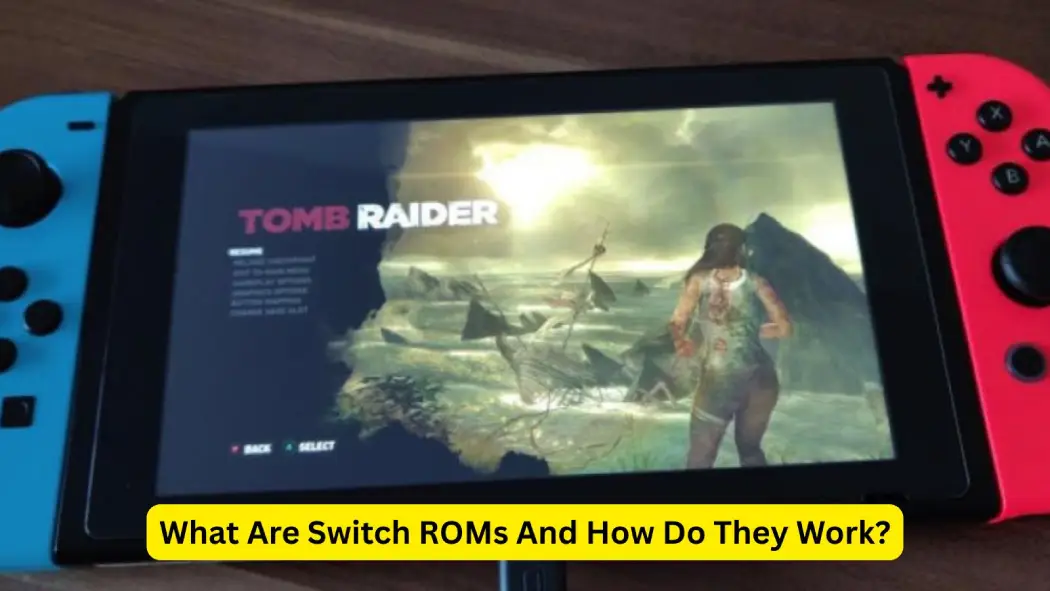
In the domain of gaming, Switch ROMs remain one of the most talked-about yet misunderstood topics. For gamers and tech fans, they provide access to classic favorites and rare titles.
However, many still question what Switch ROMs actually are, how they function, and whether using them is legal. This article will explain all of that clearly and simply.
Whether you’re new to the concept or already familiar, it will help you understand the uses, risks, and legal aspects of using Switch ROMs in 2025.
What Are Switch ROMs?
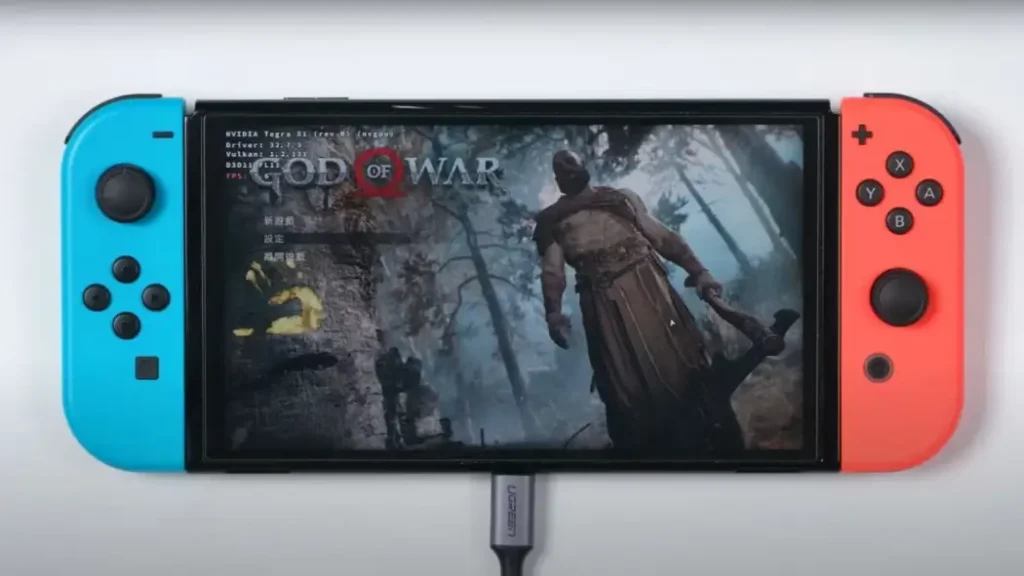
A Switch ROM is a digital copy of a game created for the Nintendo Switch. It contains the complete game data extracted from an original cartridge or a digital download. Gamers use this file with specialized software or emulators that enable them to play the game without needing the physical version.
Using ROMs on the Nintendo Switch
Nintendo Switch games usually come as cartridges or downloadable files. ROMs are digital copies of these games. With the right setup, users can load and play these copies directly on their Switch or other systems. This can be done without inserting the actual cartridge.
Why Gamers Choose ROMs
People use ROMs for a variety of reasons. Some want to relive classic games that are no longer available for purchase, while others enjoy exploring titles released exclusively in other regions. For many gamers, it’s simply about convenience—having multiple games stored on one device is far easier than managing a collection of physical game cards.
Legal Viewpoints on ROMs
Is It Legal to Use ROMs?
The answer largely depends on your location. In many regions, keeping a ROM of a game you already own is considered acceptable. However, sharing or downloading ROMs from others without proper authorization is typically illegal. Always make sure to understand and follow the specific laws in your country.
What Nintendo Says About ROMs
Nintendo strictly prohibits the sharing of ROMs, considering it a violation of copyright law. The company has actively taken legal action against websites and individuals who distribute or use ROMs without permission. Instead, Nintendo promotes legal alternatives for enjoying classic games, such as accessing them through its official online services.
Know Your Rights as a Gamer
Before using ROMs, it’s important to understand the potential risks. Only use ROMs that you legally own or have rights to. Ignoring copyright laws can lead to serious legal consequences. Staying cautious and informed will help you enjoy your games safely and responsibly.
Exploring Nintendo Switch Games ROMs in 2025
Using Nintendo Switch game ROMs allows players to revisit classic titles without needing physical cartridges. These ROMs are digital files copied from genuine game cards and designed to run on emulators or modified devices. In 2025, many gamers turn to ROMs to access rare or unavailable games.
However, downloading or sharing Nintendo Switch game ROMs from unofficial sources can be illegal. To stay safe, only use ROMs of games you legally own. Using proper tools and trusted platforms ensures a secure experience.
By using Nintendo Switch game ROMs responsibly, players can enjoy their favorite titles while respecting the rights of game creators.
Reddit’s Take on Switch ROMs in 2025
Reddit continues to be a key hub for information on Switch ROMs Reddit in 2025. While it doesn’t host direct downloads, it guides users toward reliable NSP files and active communities.
The main subreddits, r/SwitchLoader and r/Roms, are where users exchange tips, share trusted sources, and discuss the latest updates. This makes Switch ROMs Reddit a go-to destination for anyone wanting to stay informed and safe in the ROM community.
How Reddit Helps You Stay Safe?
- Community-endorsed sources: Most safe downloads are shared through referral threads rather than direct links on Reddit. Subreddits strongly emphasize avoiding suspicious or unfamiliar URLs to protect users from scams and malware.
- Trust user feedback: Comment sections in r/Roms and r/EmulationOnAndroid provide valuable first-hand insights. Users often report malware, broken files, or outdated versions, helping others identify trustworthy sources and stay safe while downloading Switch ROMs.
Checking File Integrity
Reddit users recommend:
- Vetting sites mentioned in discussion threads before visiting them.
- Reading comments for warnings, reviews, or confirmation from trusted members.
- Looking for community “approval badges” or sites with long-standing positive mentions
- Scanning all downloads with reliable antivirus software before opening to ensure safety.
Why Reddit Matters?
Reddit isn’t a direct download source—it serves more as a trusted filter. It helps gamers discover reliable platforms, verify ROM authenticity, and stay alert to potential risks. By using Switch ROMs Reddit responsibly, players can enjoy their favorite games while minimizing legal and security issues.
Getting Started with Switch ROMs for Ryujinx
Setting up Switch ROMs for Ryujinx is straightforward when done correctly.
Start by downloading Ryujinx from its official website and completing the installation.
- Next, add the necessary firmware to enable the emulator to run games.
- After that, locate your Switch ROMs for Ryujinx—these should be legally dumped from your own console or used only if you already own the game.
- Place the ROM files in a dedicated folder.
- Refresh the emulator’s game list so it can detect your titles.
Finally, adjust settings such as controls, graphics, and audio to match your system for smooth and optimized gameplay.
| Step | Action Summary |
| Download Emulator | Get Ryujinx from its official website |
| Add Firmware | Install compatible Nintendo Switch firmware |
| Load ROMs | Place your switch ROMs for Ryujinx in the designated folder |
| Configure Settings | Adjust graphics, input, and audio |
| Play Games | Launch titles directly through the emulator |
How to Play ROMs on Switch Without Errors?
To play ROMs on a Nintendo Switch, users need to follow a careful and structured process.
First, make sure your console is capable of running custom software. Then, install a trusted custom firmware (CFW) such as Atmosphère.
Once set up, transfer your legally backed-up game files to a microSD card and insert it into your Switch.
Next, open the homebrew menu and launch a compatible ROM loader to play your games.
Always ensure your ROMs are legally obtained and virus-free to protect your console and avoid potential risks.
| Steps to Follow | Description |
| Prepare Your Switch | Install Homebrew and custom firmware |
| Add ROMs | Copy ROMs to your microSD card |
| Load Games Safely | Use a trusted loader to play ROMs on Switch |
| Keep Everything Updated | Ensure tools and firmware are current |
Benefits of Using Switch ROMs
| Advantage | Details |
| Big Game Library | Access older and regional games that are hard to find. |
| Handy and Lightweight | Store many titles on one device instead of carrying physical cartridges. |
| Edit and Modify Games | Modify games to change visuals or add features as you like. |
Downsides and Warnings
Legal Trouble
One of the biggest risks of using ROMs is breaking the law. Downloading or sharing ROMs without proper authorization can result in fines, legal action, or account bans. To avoid these consequences, always stay on the safe side and use only legally obtained game files.
Threats to Device Safety
Some ROM files from untrusted websites may contain viruses or malware that can damage your device or steal personal data. To stay protected, always verify the source, use reliable antivirus software, and avoid downloading from suspicious or unknown sites.
Device or Game Issues
Not every ROM will function perfectly. Some may crash, lag, or contain bugs, especially if your system doesn’t meet the required specifications or if you’re using outdated emulators or tools. Keeping your setup updated and compatible helps ensure smoother gameplay and fewer issues.
Best Practices for Using ROMs Safely
- Look into the source: Always research where you’re getting your ROMs from. Read community feedback and seek advice from trusted gamers to verify legitimacy.
- Use good software: Choose reliable, well-reviewed emulators or tools for running ROMs. Make sure they’re regularly updated for better performance and security.
- Always make backups: Keep copies of your ROMs and save files. If something goes wrong—like file corruption or system errors—you’ll have a safe backup to restore from.
Software and Tools for ROM Use
| Tool | What It Does |
| RetroArch | All-in-one emulator supporting many gaming systems. |
| Yuzu | Emulator for playing Switch games on PCs. |
| Ryujinx | Another emulator with good compatibility and features. |
Getting Your Switch Ready
To run ROMs on a Nintendo Switch, you’ll need to install custom software that allows the system to recognize and use non-official files. This process can be complex and risky, so it’s crucial to follow each step carefully. Doing so helps prevent potential system errors or permanent console damage.
Improve Game Quality and Speed
Some emulation software lets you enhance a game’s graphics and performance. You can adjust settings such as resolution, texture quality, and frames per second (FPS) to improve visuals and gameplay smoothness. Experiment with different configurations to find what works best for your device’s hardware.
The Online ROM Community
Connect with Other Players
Joining online communities is a great way to learn more about ROMs and emulation. Experienced users often share tips, safe sources, and troubleshooting advice to help others. Staying active in these forums not only improves your knowledge but also enhances your overall gaming experience.
Stay Current
The ROM community evolves quickly, with new tools, emulators, and game files released regularly. To stay updated, follow reliable blogs, YouTube channels, and forums that share the latest news, updates, and best practices in the ROM world.
Give Back
If you enjoy working with ROMs, consider giving back to the community. Share your knowledge, contribute to improving emulation tools, or help newcomers get started safely. Supporting others helps keep the ROM community active, friendly, and growing for everyone.
Looking Ahead for Switch ROMs
| What’s Next? | Details |
| Better Software | New features are making ROMs easier and safer to use. |
| Ongoing Legal Changes | Stay informed about updates to copyright rules that may affect ROM use. |
| Game Preservation | ROMs help save old games that would otherwise be lost. |
Final Thoughts
Switch ROMs open up a new way to experience and enjoy games, but they should always be used responsibly. Stick to legal sources, rely on trusted tools, and make sure you understand what you’re doing. This ensures you can enjoy gaming without unnecessary risks.
By staying informed and following safe, legal practices, Switch ROMs can become a great way to revisit classic titles, explore new ones, and stay connected to an evolving, tech-savvy gaming community.
